

We’ve looked at plenty of Optical Character Recognition (OCR) apps in the past, but with OCR apps I find that it’s often worth having a couple different options on hand, since these apps don’t always produce the same results depending on what kind of source material you have to scan.
Docutain is an app for iOS and Android that does all the things you’d expect from an OCR app but also goes further than most in its approach to document organization, so for users who scan a wide variety of documents, this app is especially well laid out.
From the home screen of the app, when you click the more button ( ) the app presents you with a series of categories and options to choose from. Through this menu, you can browse by document type, address, expenses, tags, general search, and more. A lot of the OCR apps I’ve reviewed in the past were lacking this built-in organizational structure, so that’s a big plus for Docutain.
On the downside however, there isn’t an accessibility menu to adjust specific accessibility settings, which could prove frustrating for some users.
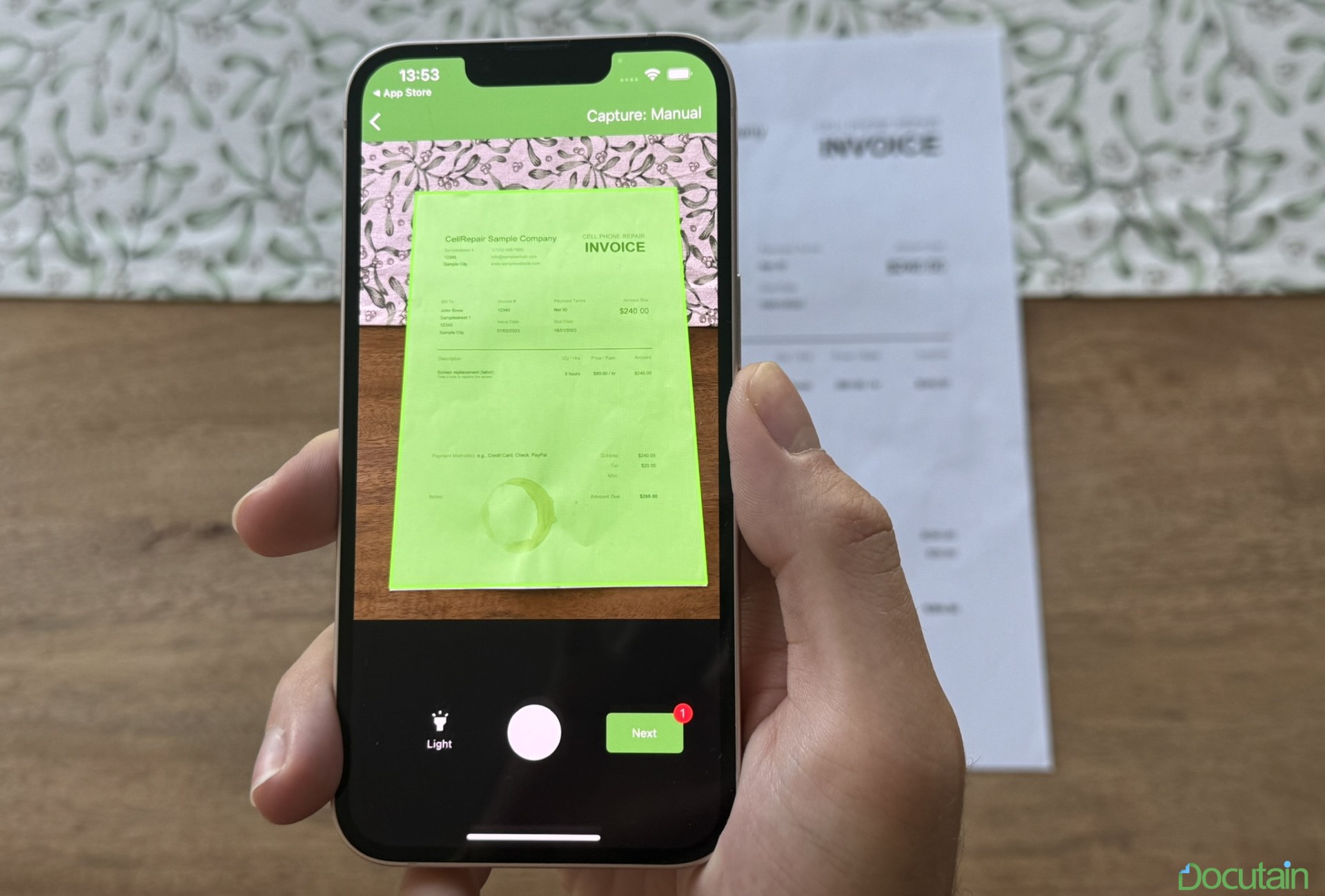
In terms of general functionality, the app allows you to import images and PDFs, or to take a live picture of a document. The editing tools provided allow you to filter, cut, rotate, erase, and arrange pages, which are all great tools to have. However, other OCR apps allow you to mark up documents more freely, which is a major downside.
One thing worth mentioning is that Docutain allows you to translate and summarize documents in-app through Microsoft Azure. Unfortunately the summarize tool demands a minimum of 2000 characters, so a lot of smaller documents will be below the minimum threshold, and you’ll be forced to export the document elsewhere in order to have it summarized.
Docutain is available to try for a free 3 day trial, and the premium version of the app costs $6.49 CDN per month. The premium version includes access to unlimited sharing, a batch scan tool, a watermark-free scan, password protection, PDF importing, and the eraser tool. To learn more about Docutain, click here (new window).