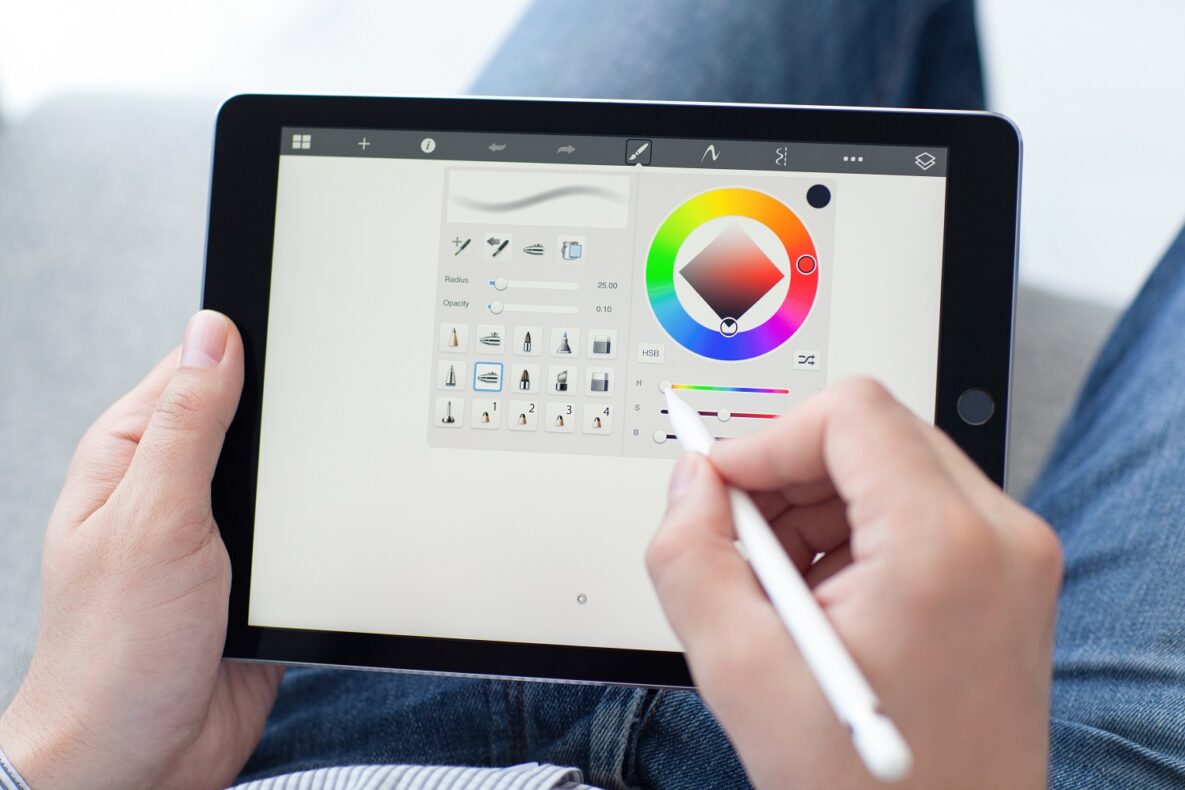
A person using an Apple Pencil.
Apple(new window) has a well-deserved reputation for offering universally designed products that come packed with accessibility features right out of the box. The iPad is a great example of this, and since its launch in 2010, the iPad has dominated the tablet market by creating easy-to-use and accessible products that range in application from casual…

Read more

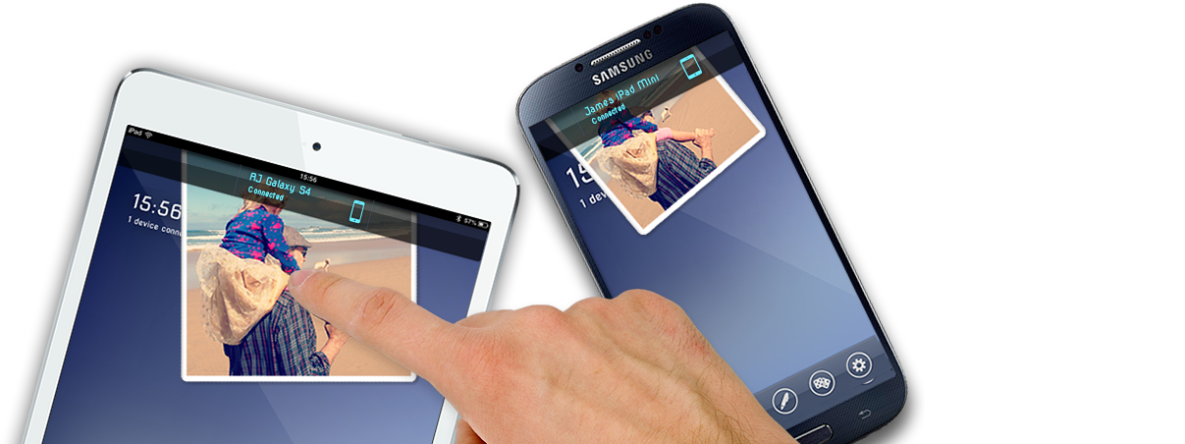
A person swiping on a smartphone.
Sharing digital content across platforms is often a tedious and frustrating task even among the more techno-savvy assistive technology users. Up until now, truly cross-platform solutions were hard to come by. Enter Flick(new window), a new sharing app that’s designed to be simple and accessible for everyone, regardless of what device they use to access…

Read more

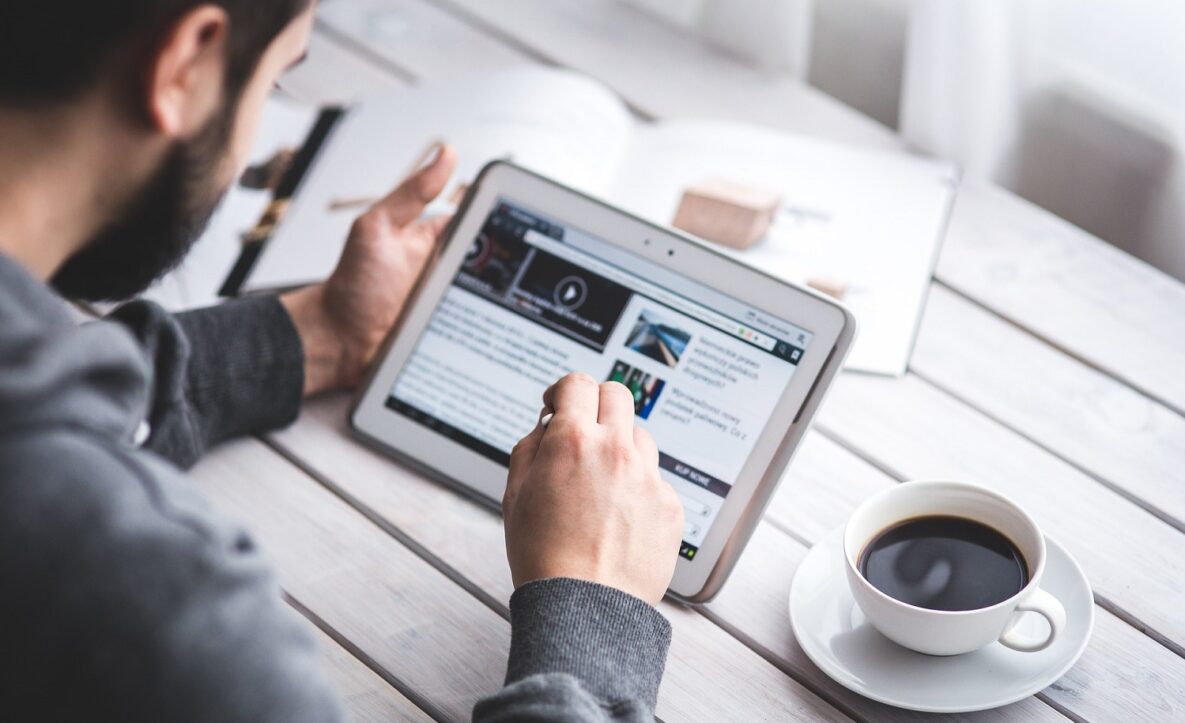
A man using a tablet at work.
Need to quickly have a handout or an article read aloud? It can be as simple as taking a picture with your iPad/iPhone with PrizmoGo(new window). Why we like it: Text to speech function is free Ease of use Has built in OCR, no WiFi required! Prizmo Go allows you to quickly grab any written text…

Read more

A blind man using braille to read.
Did you know that there are many different options for blind and partially sighted users when it comes to accessing technology? As we continue our series on built-in accessibility, let’s look at features designed to assist users with little or no vision that come pre-installed and require little or no setup. Apple (new window) Apple…

Read more

A typewriter, paper, book, and pen.
Did you know that writing support is right at your fingertips? If you use Windows 10 (new window)  or a handheld device, you can activate a key feature called voice recognition (new window), also known as speech to text, or Dictation. Simply talk to your device and it will translate your words into text or…

Read more