A young woman using her laptop to study.
Word processing apps have evolved dramatically since the advent of the internet. In the early days of computing, word processing apps were expensive, tedious, and often required extensive training to use. Then, Microsoft Word streamlined the genre and made it more accessible and easier to use. Then, with the popularity of smartphones came a flood…

Read more

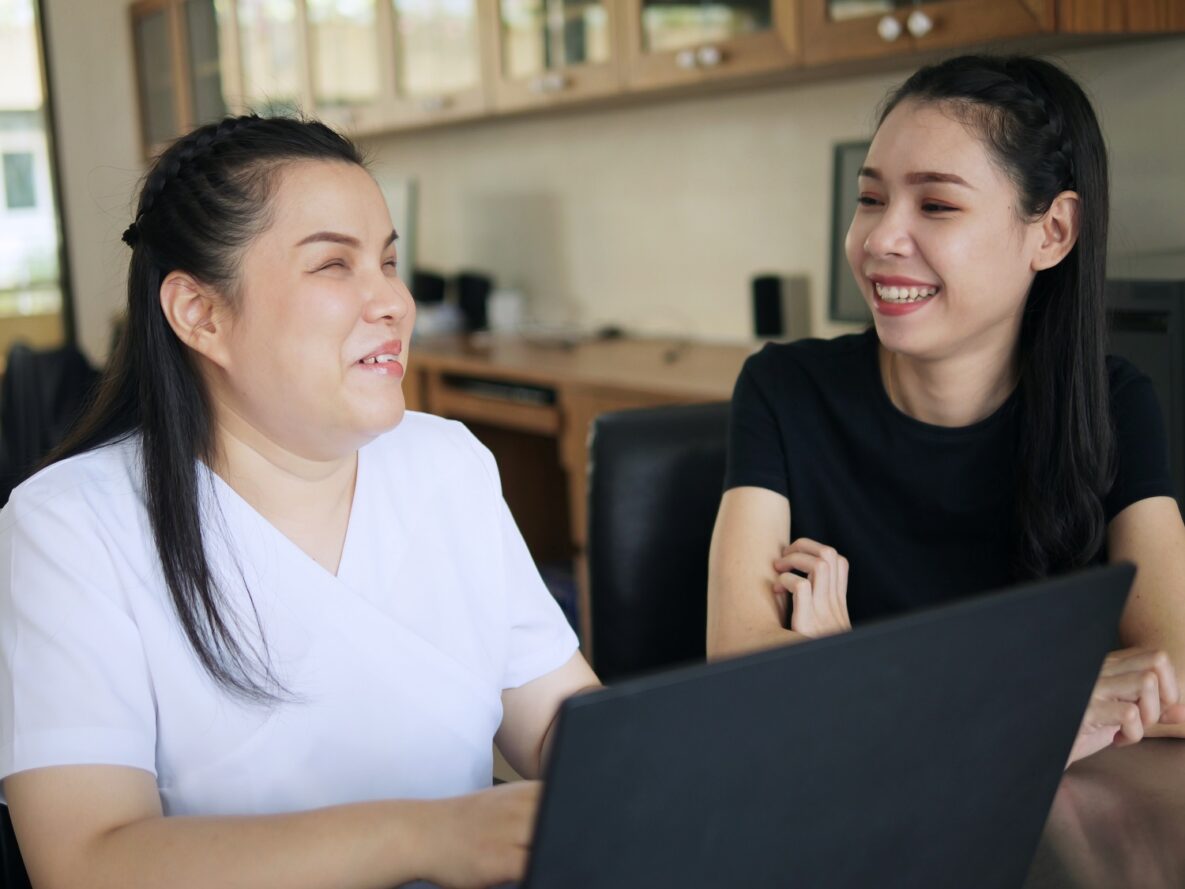
Two women working on a laptop.
For those who aren’t aware, screen readers are apps that allow blind or visually impaired users to read the text that is displayed on the computer screen via speech or braille display. A few weeks ago, we learned about the NVDA screen reader, and we found it to be a great free tool that gets…

Read more

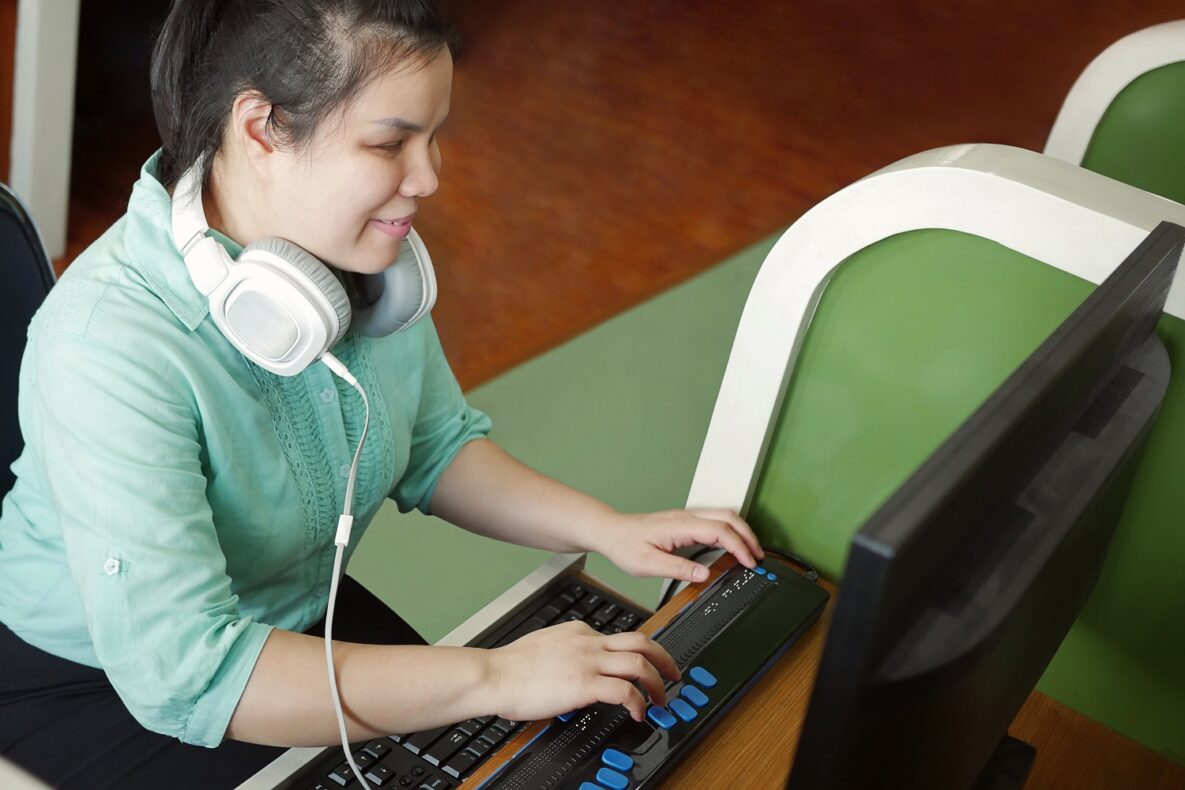
A blind woman using a braille keyboard.
For persons with visual disabilities, accessing the outside world is a daily struggle that requires accommodations, strategies, and technology. And while strategies and accommodations can be relatively easily put in place, lack of access to vision-correcting technology is still an issue for many individuals. The reason for this is simple: cost. For example, there are…

Read more

A businessperson using their smartphone in a meeting.
When it comes to word processors, Microsoft Office has been the top choice among professionals for around 20 years. Office is accessible, user-friendly, and packed with all the features you need to get writing. But not everyone knows that Microsoft Office also offers a free version of their app that can be accessed online or…

Read more

A student using a laptop to study.
When it comes to serving individuals who require assistive technology (AT), the ability to provide alternative formats to standard text is critical. And while there are already a lot of ways to tackle this issue, especially when using mobile devices which can also function as mobile scanners, PC based options are a bit less common.…

Read more