A computer with sticky notes attached.
When it comes to note-taking apps for smartphones, there are lots of decent, functional options to choose from. A lot of these apps do more or less the same thing in terms of performing basic notetaking functions, but there’s a few apps that offer some especially unique features that deserve to be explored in greater…

Read more

A smart pen and smart pad.
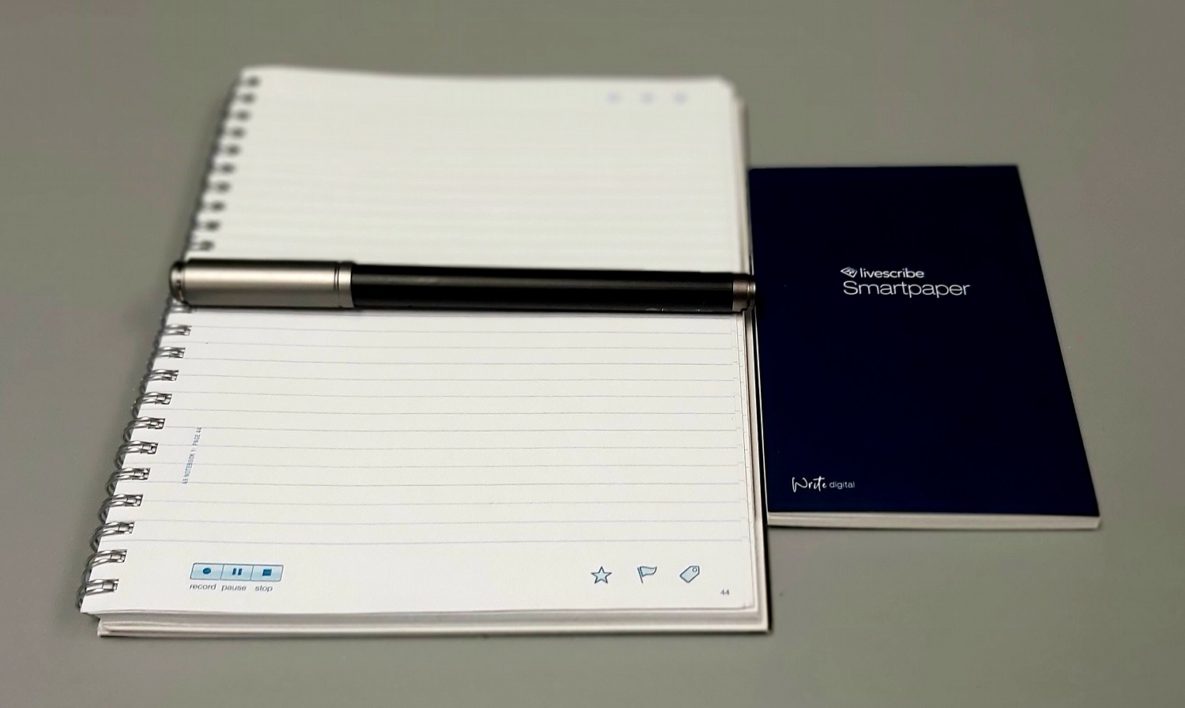
When it comes to students who struggle with notetaking, we often recommend smart pens. The main advantage of this type of technology is that handwritten text is instantly converted into a digital format which can then be searched, shared, converted, and synced to other apps. These pens also often have a recording feature, which allows…

Read more

A young woman using headphones and a laptop to study.
With the advent of the internet, our ability to independently learn and research has grown immeasurably. It’s almost hard to imagine today that students once had to rely solely on textbooks, books, or encyclopedias for research. And while that method might have worked fine for the majority of students, what about individuals with disabilities related…

Read more

Students using AT in the classroom.
With another school year beginning, we thought it would be a great time to talk about using Microsoft 365 in the classroom. This suite of productivity apps is constantly growing and improving, and new accessibility features and educationally focused improvements are constantly being added. Especially with the unique challenges that we are faced with in…

Read more