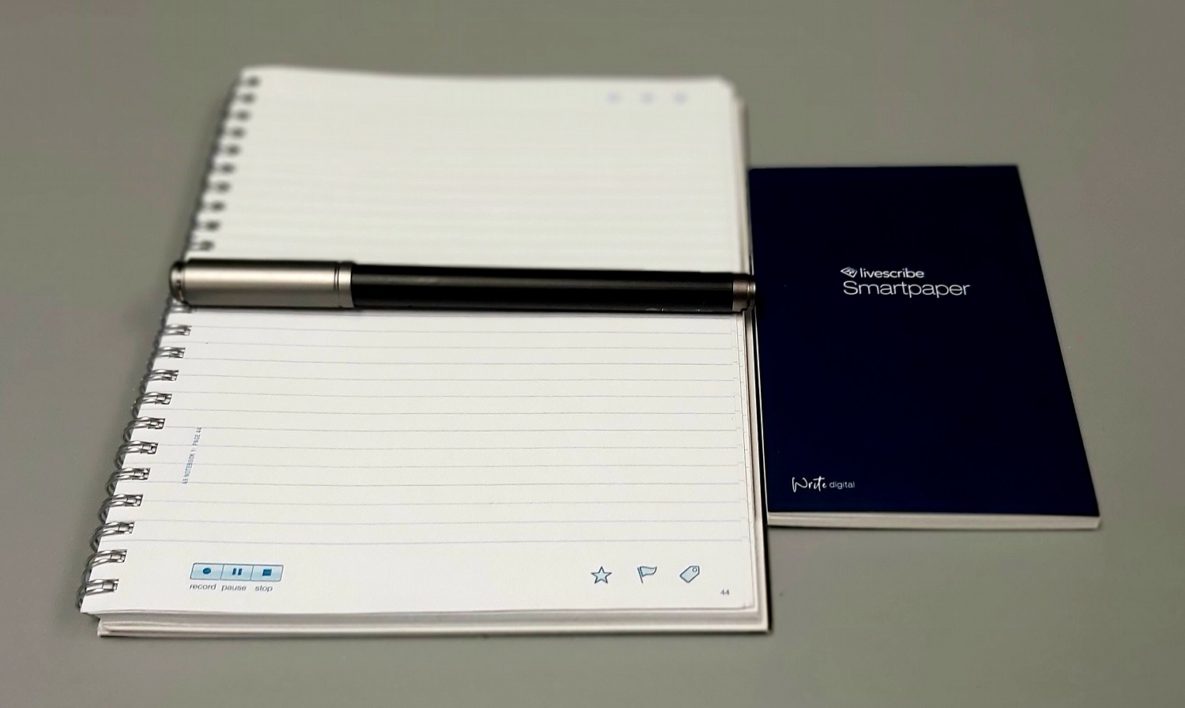
A smart pen and smart pad.
When it comes to students who struggle with notetaking, we often recommend smart pens. The main advantage of this type of technology is that handwritten text is instantly converted into a digital format which can then be searched, shared, converted, and synced to other apps. These pens also often have a recording feature, which allows…

Read more

A student using a laptop to study.
When it comes to serving individuals who require assistive technology (AT), the ability to provide alternative formats to standard text is critical. And while there are already a lot of ways to tackle this issue, especially when using mobile devices which can also function as mobile scanners, PC based options are a bit less common.…

Read more

A Chromebook, a Macbook, and a Windows laptop.
Finding the right laptop can be a challenge for anyone, and especially when having to consider accessibility and app compatibility, that process tends to be particularly confusing to new users. Even though all new mainstream laptops are shipped with at least some built-in accessibility features, not all laptops are created equal, and some shine in…

Read more

A woman using a laptop with headphones on.
If you’ve spent any time in school, you’d recognize that lectures are a huge part of every student’s educational foundation. And in most cases, lessons delivered verbally account for the vast majority of time spent in class. But what if you have hearing challenges? What if your prone to distraction? What if your specific learning…

Read more