
A student studying on her laptop.
Ulysses is a markup-based mobile word processor that’s designed to be distraction free, easy to use, but still packed with powerful writing features. Essentially, the app is designed to be used via keyboard only, so writers can stay in the flow and not have stop to worry about formatting. Headings, bold, italics, and other formatting […]

Read more

A person using a digital calendar.
Today we’re going to look at Microsoft’s free task management app To Do. Task management/list making apps can be useful to anyone, but they are especially helpful for those who struggle with executive functioning or other attention-based challenges. These apps are great for keeping people on track because they allow users to create simple categorized […]

Read more

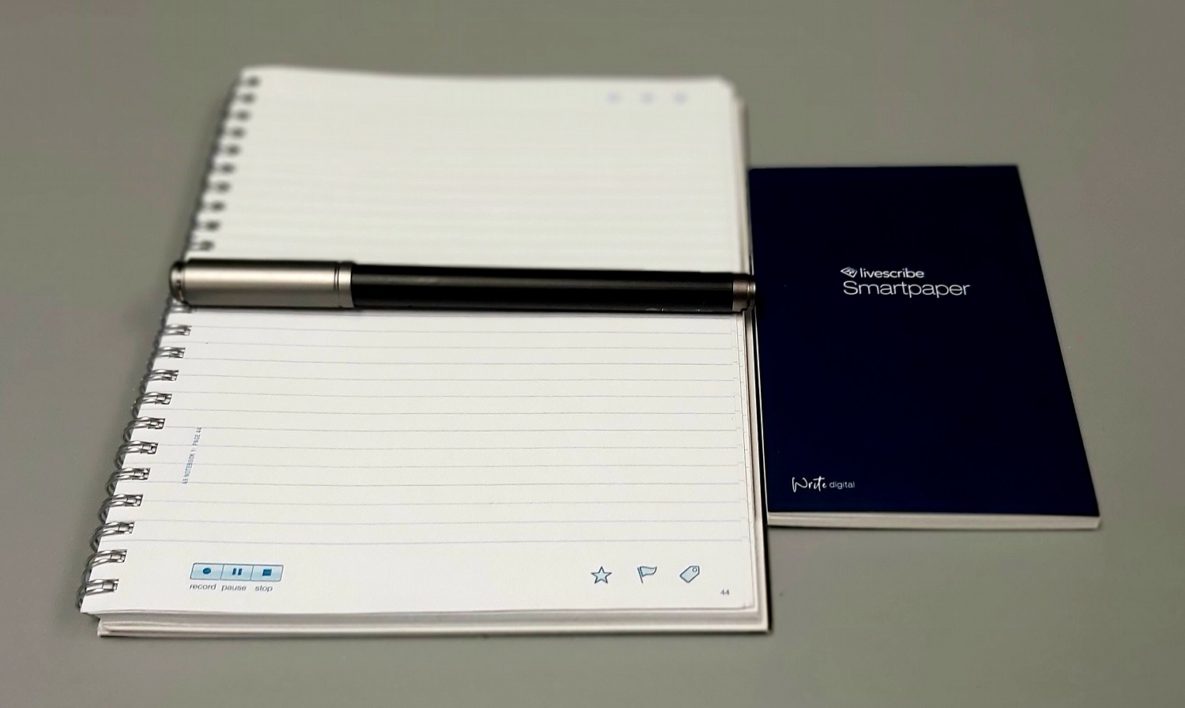
A smart pen and smart pad.
When it comes to students who struggle with notetaking, we often recommend smart pens. The main advantage of this type of technology is that handwritten text is instantly converted into a digital format which can then be searched, shared, converted, and synced to other apps. These pens also often have a recording feature, which allows […]

Read more

A student using a laptop to study.
When it comes to serving individuals who require assistive technology (AT), the ability to provide alternative formats to standard text is critical. And while there are already a lot of ways to tackle this issue, especially when using mobile devices which can also function as mobile scanners, PC based options are a bit less common. […]

Read more